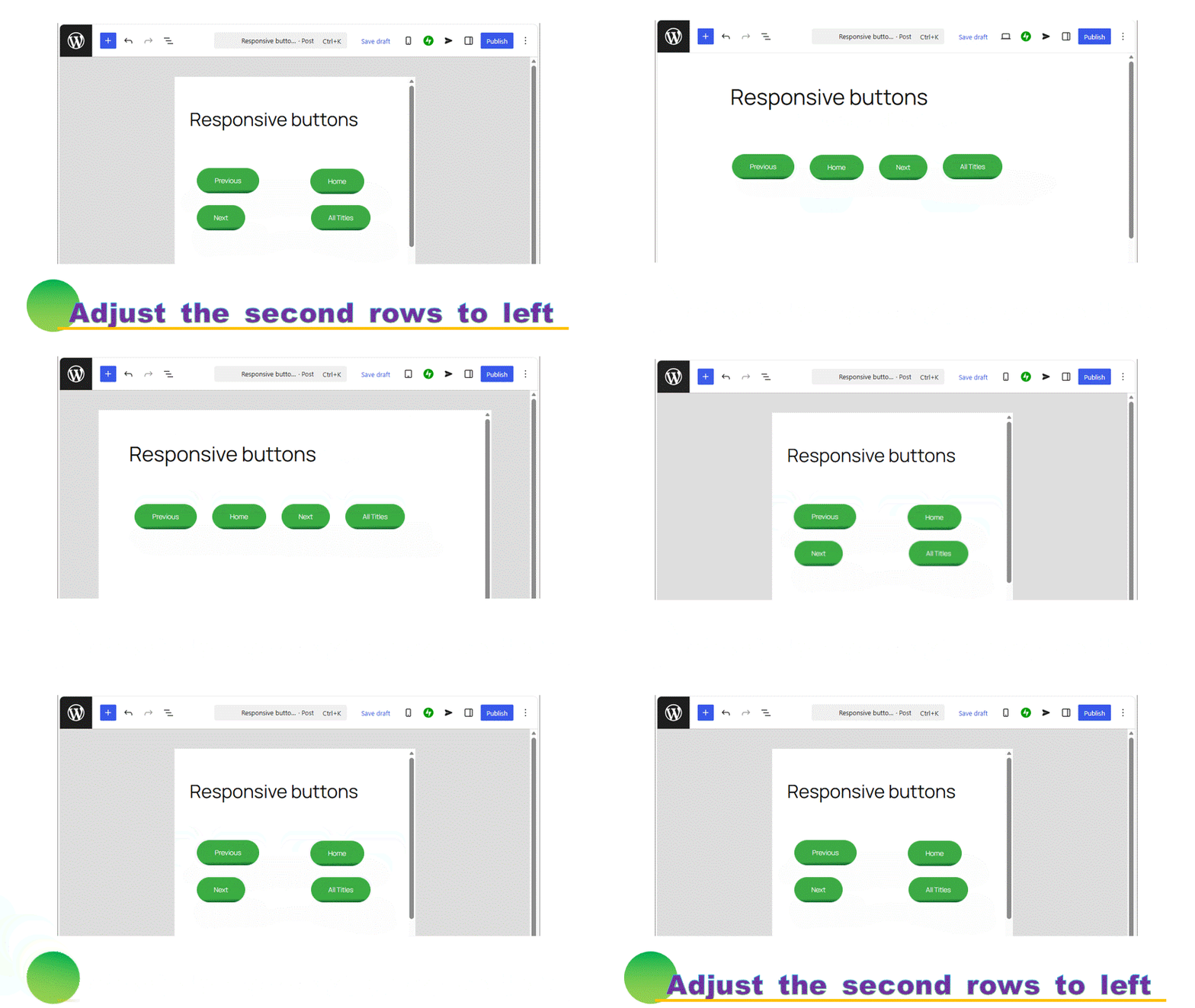
It is a method that aligns the second rows to left. A Grid block is used. Even used the proportional font, it aligns all the buttons to left.
Set the buttons in a Grid block
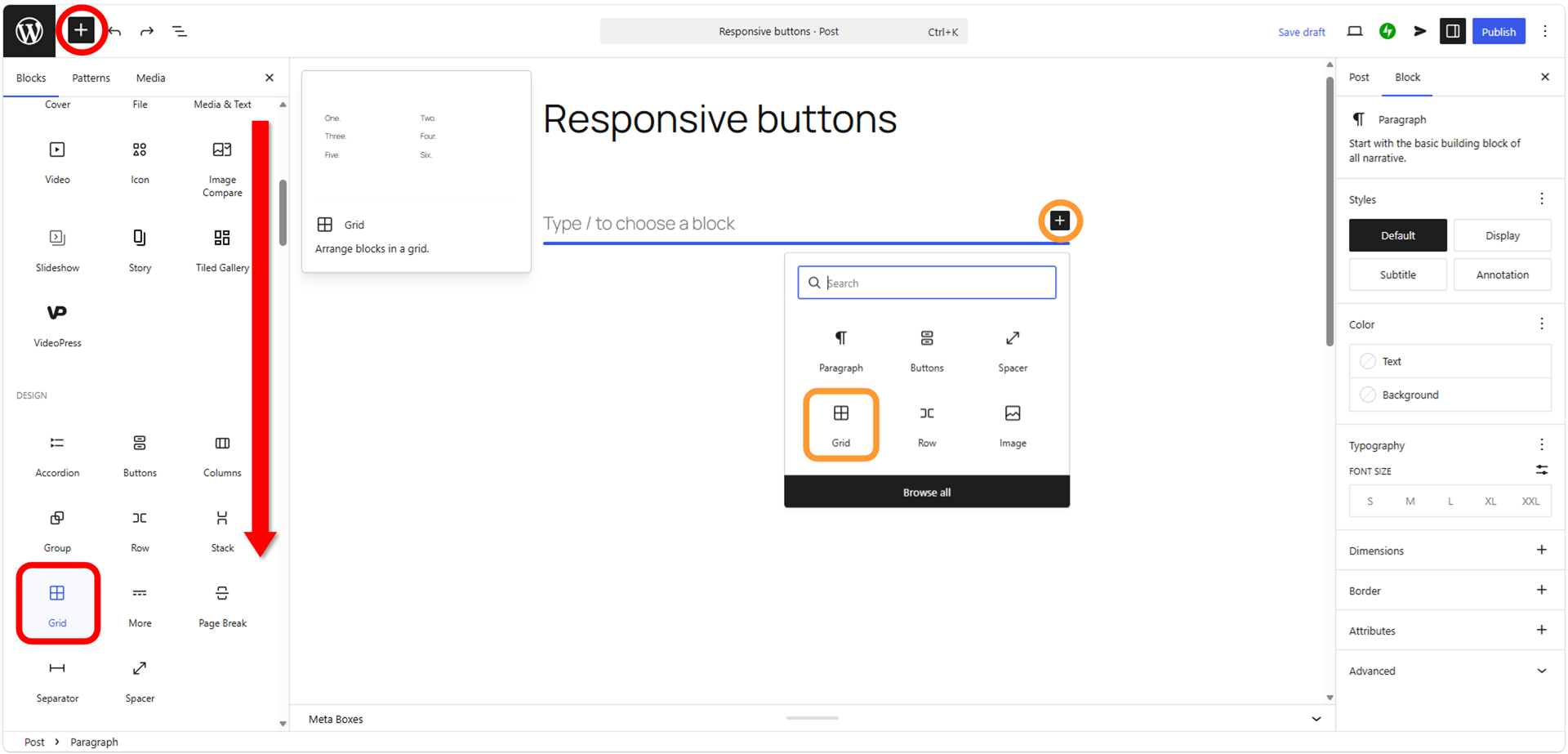
Press  to add a button block.
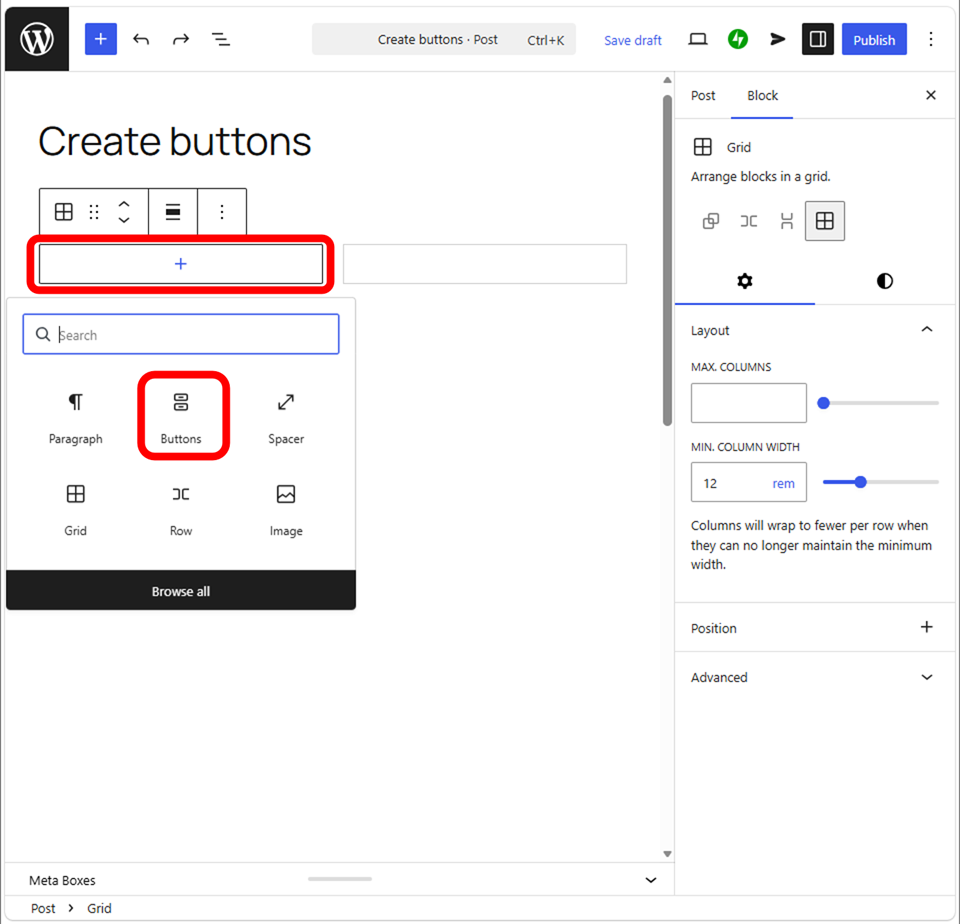
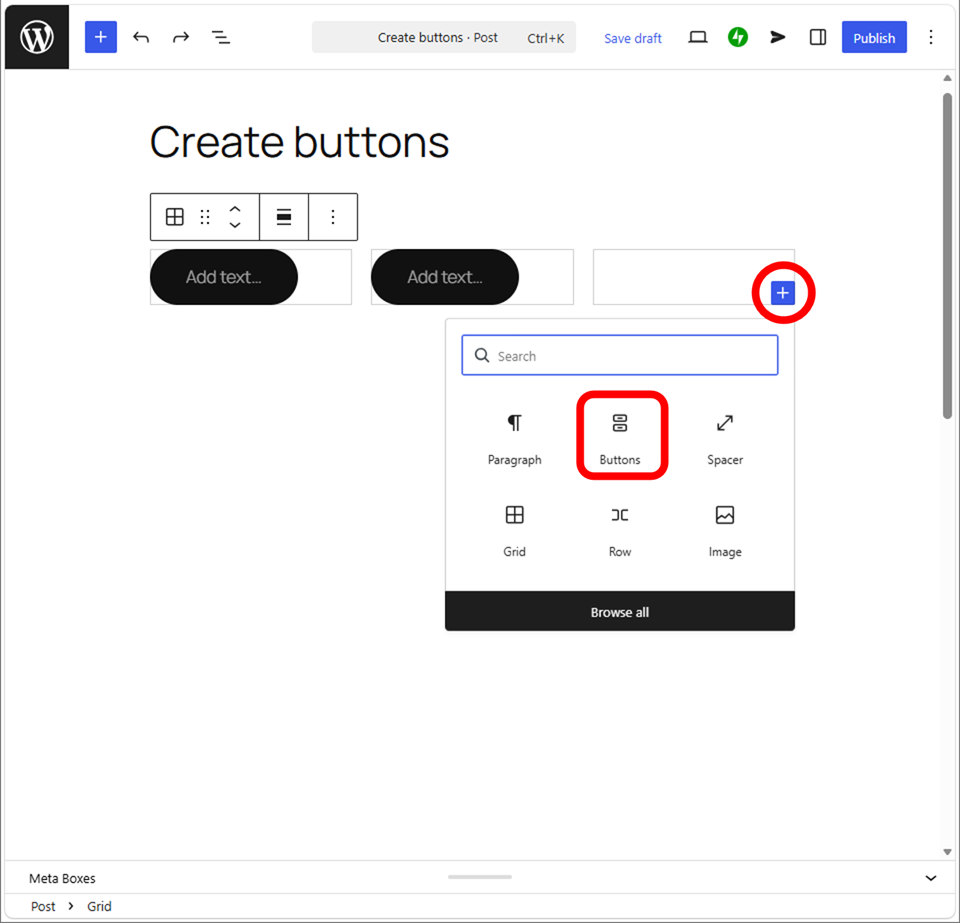
Set each single button to a single Grid section one by one.
Then copy & paste the style.
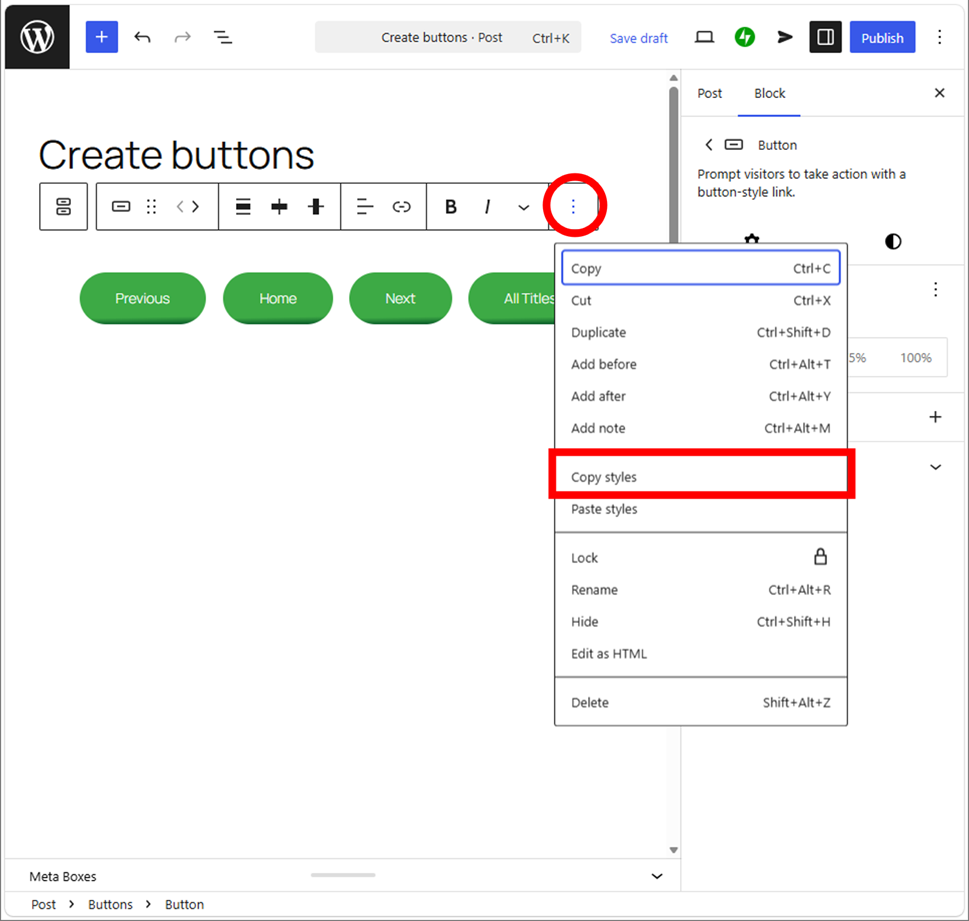
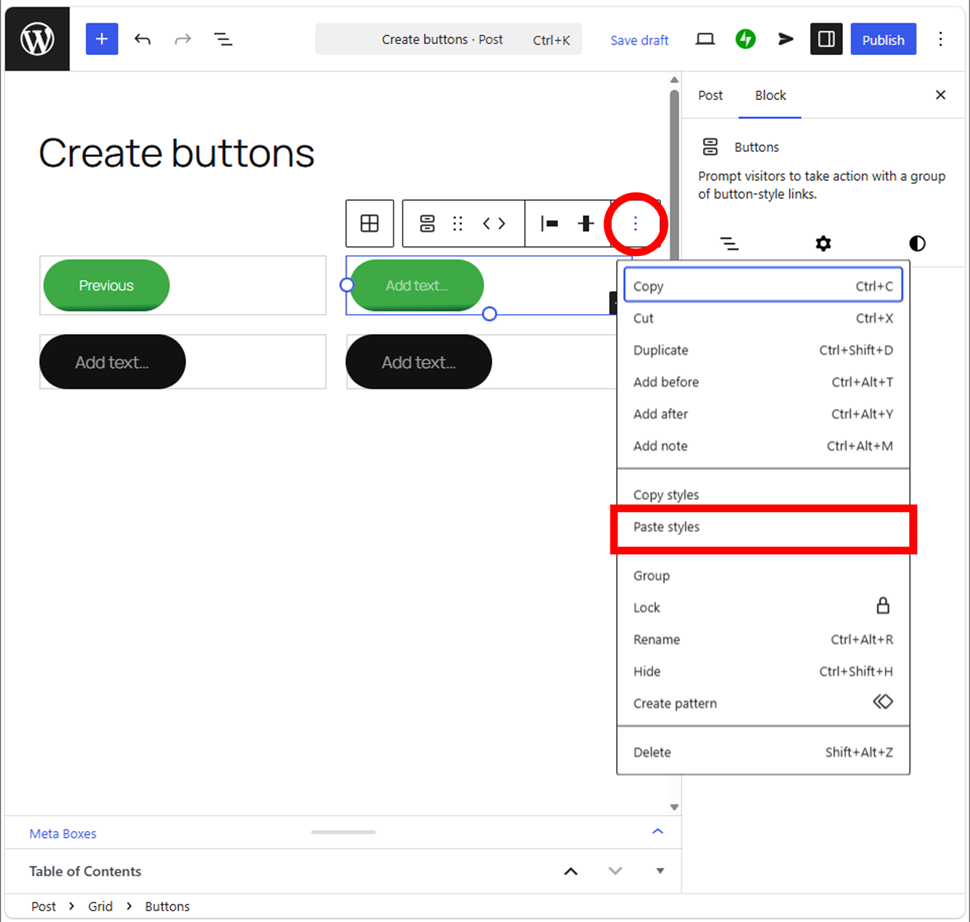
Style does not copy a text, so you have to type the text.
Adjust the button positions
Let you understand the function of Grid first.
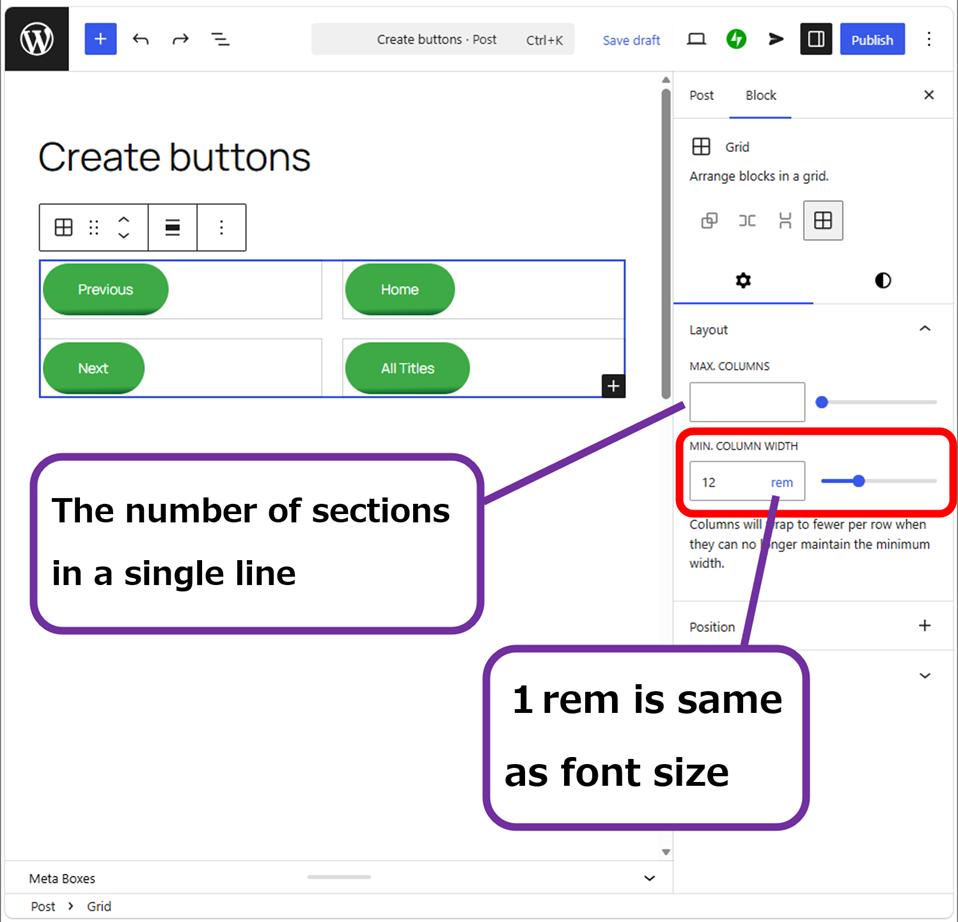
Let you adjust “Min. column width”. Switch the screen to “Tablet” and “Mobile” then adjust to the optimal width.
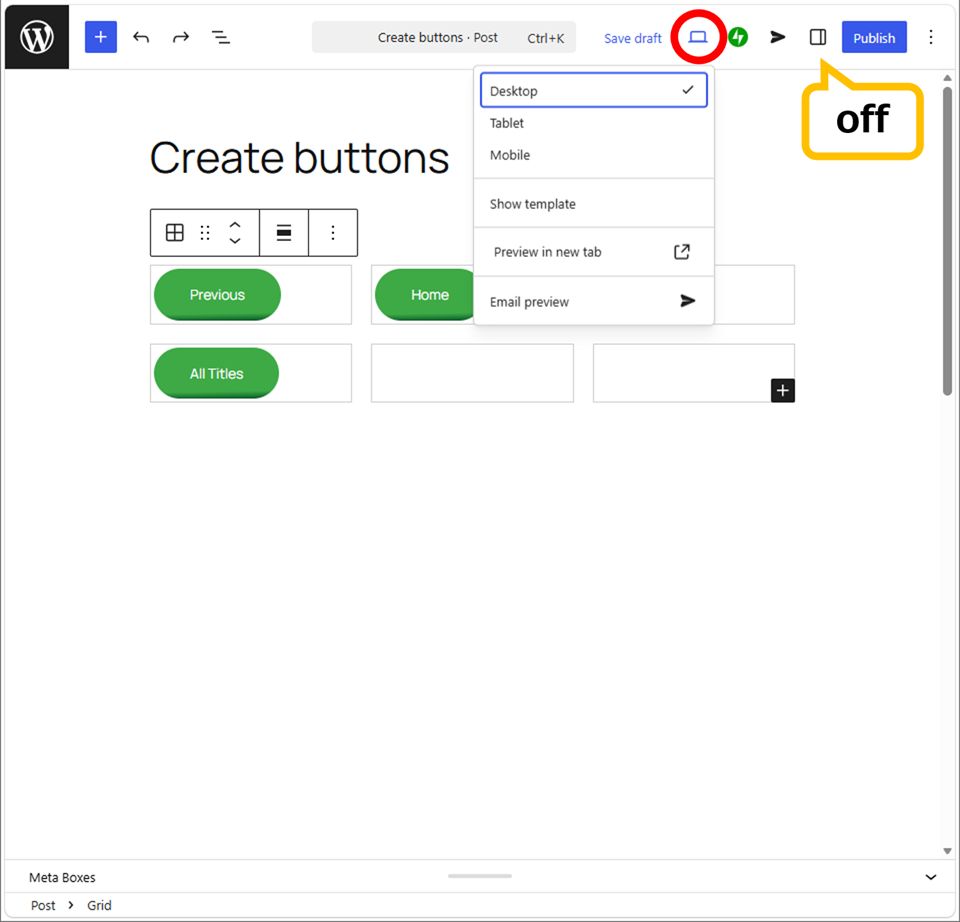
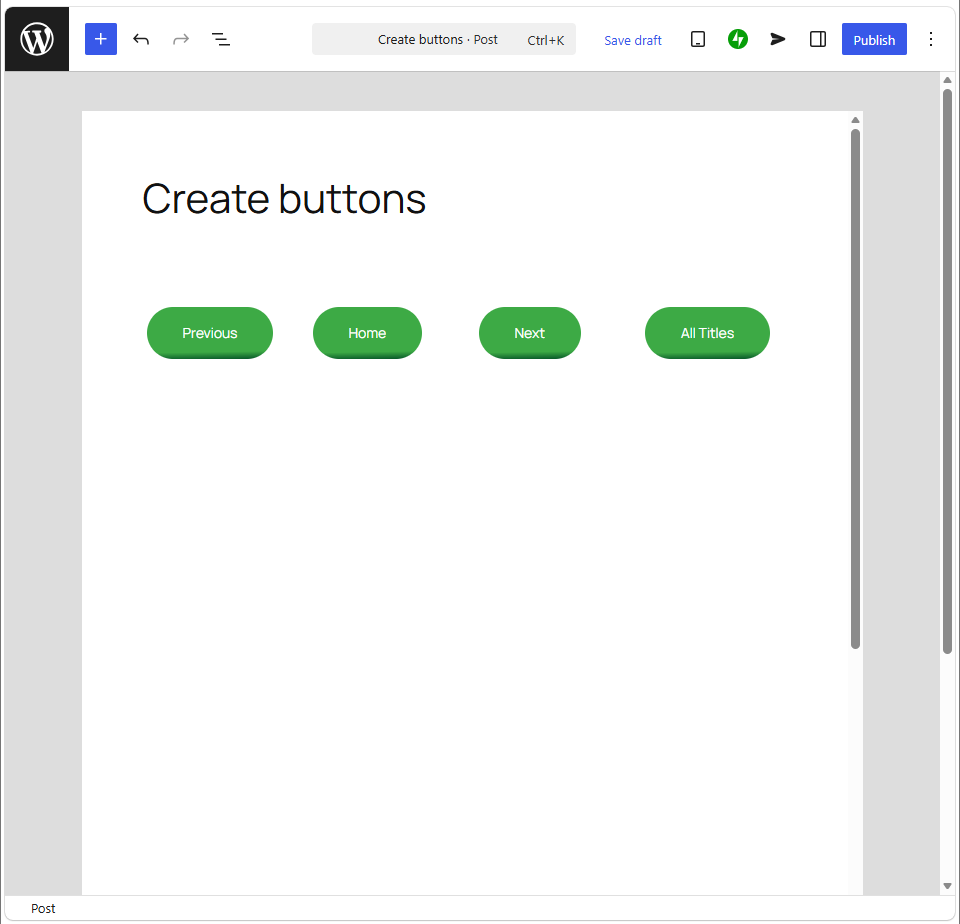
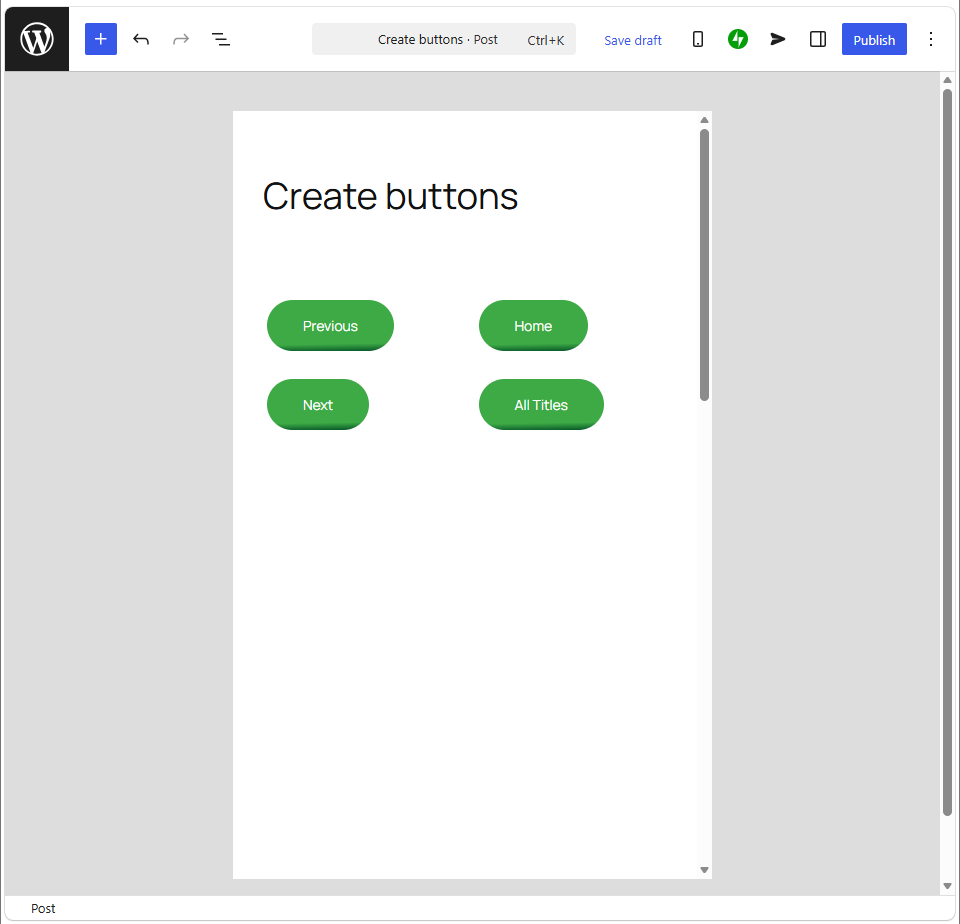
In this case, Desktop and Tablet are broken the layout by default (rem12).
Let you find the optimal value by yourself.
Examples of the Grid buttons
Check the appearance with changing a device.
◎Left-aligned, top-aligned, rem7, Padding:X-large
This padding is of Grid’s.
Thank you for reading.
If you feel this article “Like!”, click the ads below ⇩⇩
Your click makes my affiliate income. It motivates me (^^;.
If you give a tip ——
Reader's comments(読者の反応)
https://shorturl.fm/0sKnS