


Why does it need the excerpt ?
Below is a sentence that is next to HTML link.
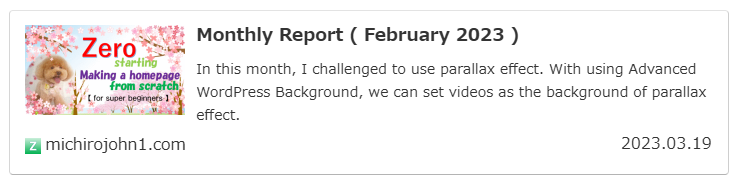
WordPress can display a excerpt up to 50 words by default, but for it depends on the WordPress theme, you will be able to display it more (this theme can display 120 letters). If you don’t do anything, the first strings will be displayed. But if you set the button to the top, the button’s words will be displayed.
It is like this.
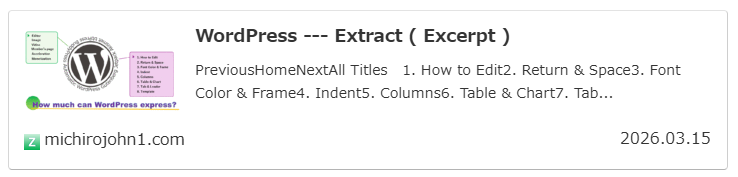
This is not an extract or introduction, so need to write an excerpt.
WordPress — Excerpt
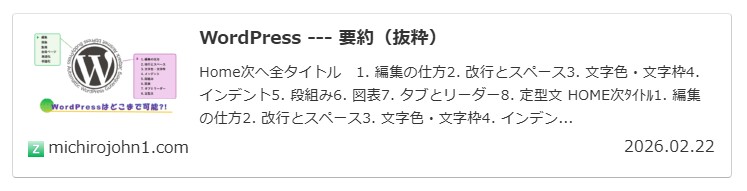
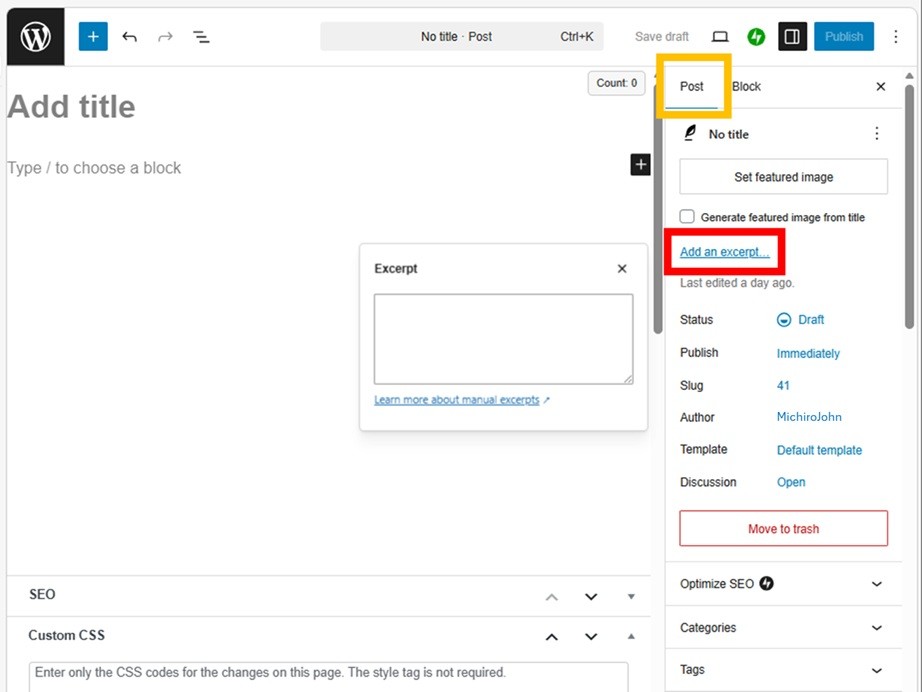
It cannot use Emoji or HTML link.
Express it with emoticon :-).
If you install Jetpack, the position is changed.
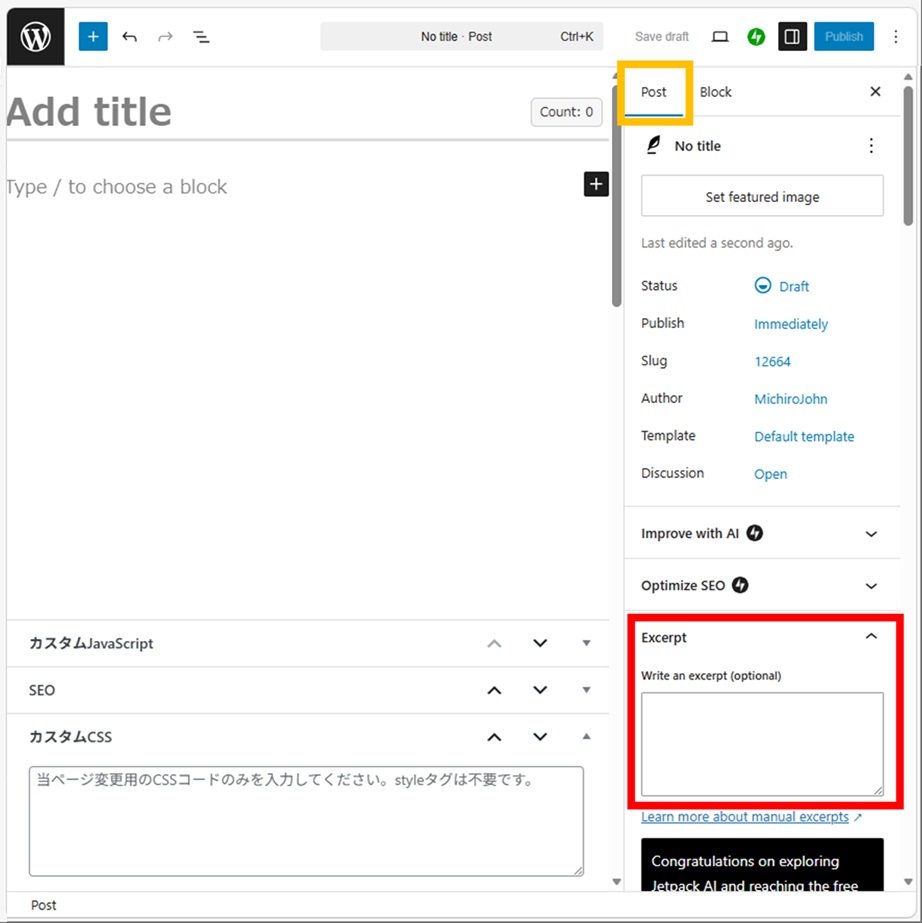
I think it’s easier to use, installing Jetpack.
Thank you for reading.
If you feel this article “Like!”, click the ads below ⇩⇩
Your click makes my affiliate income. It motivates me (^^;.
If you give a tip ——
Reader's comments(読者の反応)