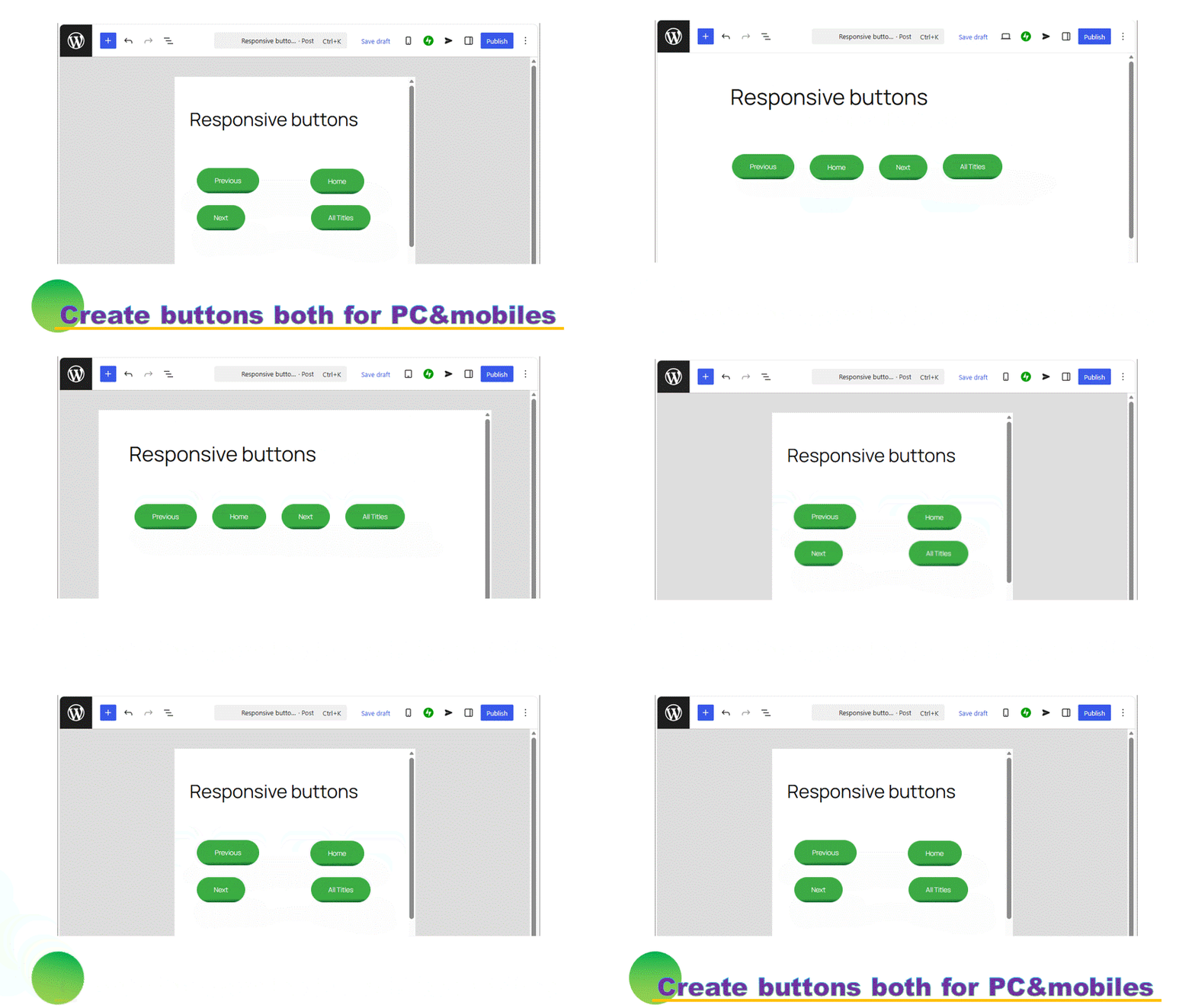
Sometimes we feel to make the butons aligned center. It is that left-aligned buttons cannot be centered, or buttons are a bit left-aligned, etc.
This method can position all the left-aligned buttons to center.
Prepare the buttons first
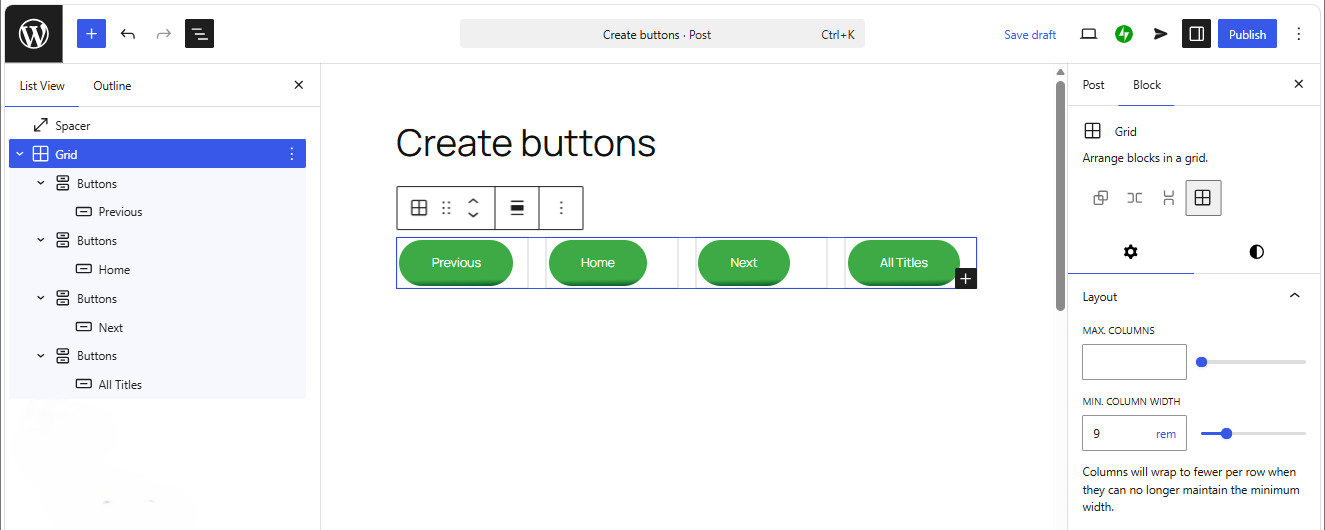
These are the buttons made by a Grid block. It can position the buttons more beautifully. If you want to know how to create, click or tap below.
Setting of a Grid block
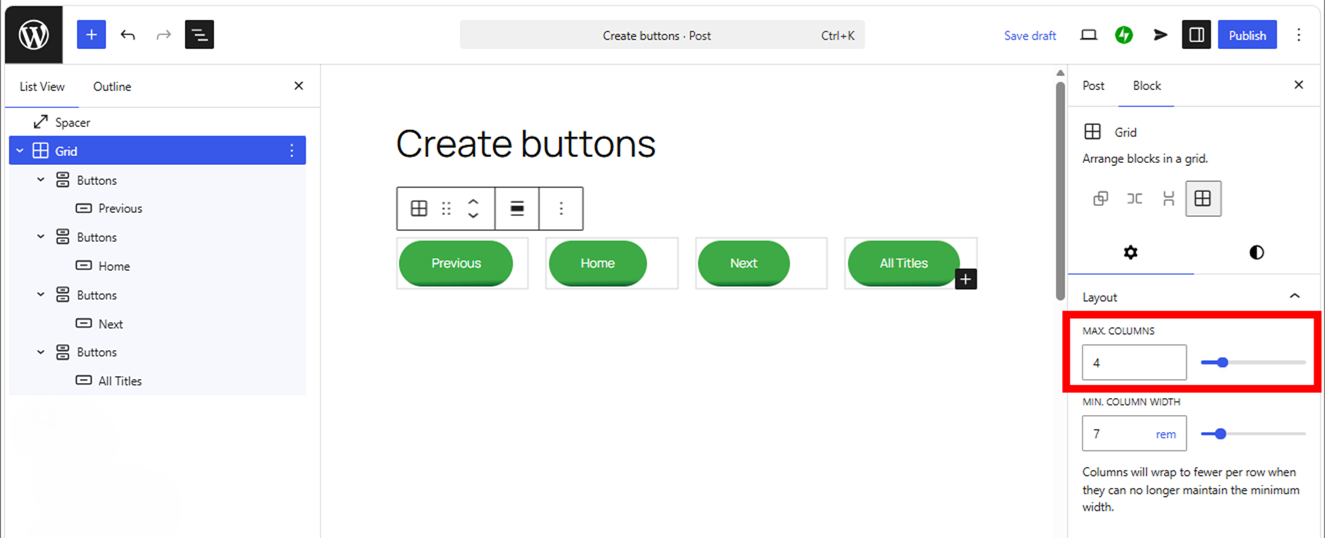
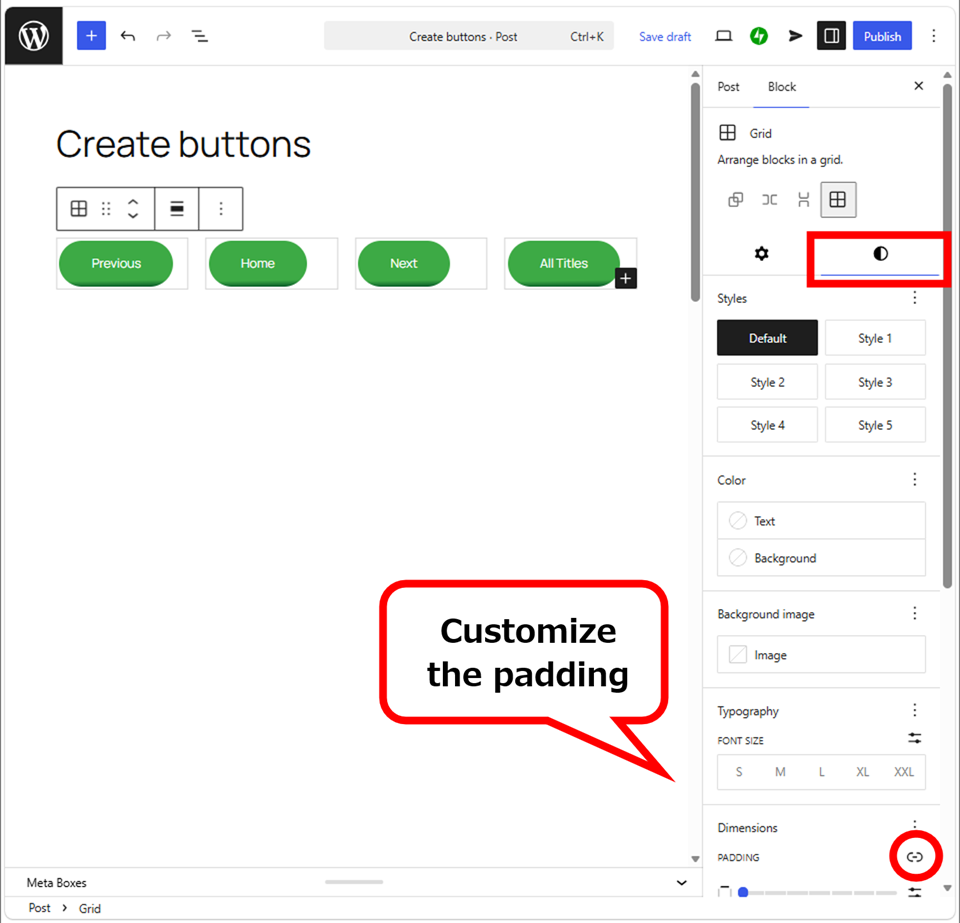
First, Max columns sets as same as the number of buttons.
Then, customize the padding.
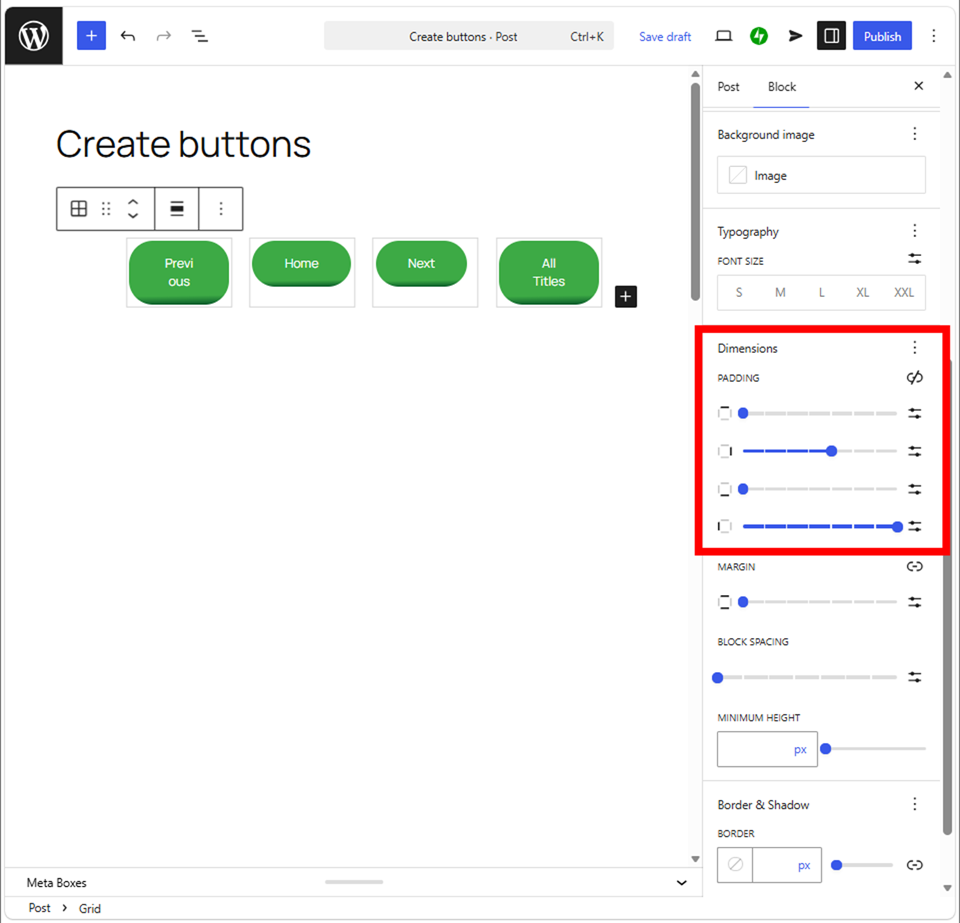
It often causes a broken layout, so check the appearance with your device. There is a case that the appearance is good even if it is bad in the editing screen.
The Examples
(Configuration)
Layout: Max coumn 4, Min. column width 7
Padding: left X-Large, right Small
If you will use a Button block, there is no need of such configuration. It is just okay to make the buttons with same width then aligned center. It can concentrate the buttons to center more. This method is effective when the width of buttons are so different.
(Configuration)
Layout: Justify items centre, Max coumn 4, Min. column width 7
Padding: left 2X-Small, right none
In a Button block, it looks something strange. Check this with your mobile device. In PCs, it looks more beautiful, but. . .
Even added the left-padding with left-aligned, it is not so good.
Thank you for reading.
If you feel this article “Like!”, click the ads below ⇩⇩
Your click makes my affiliate income. It motivates me (^^;.
If you give a tip ——
Reader's comments(読者の反応)