

1. How to Edit
2. Return & Space
3. Font Color & Frame
4. Indent
5. Columns
6. Table & Chart
7. Tab & How toLeader
8. Template

WordPress actually has better character boxes than Word apps. But it depends on the theme.

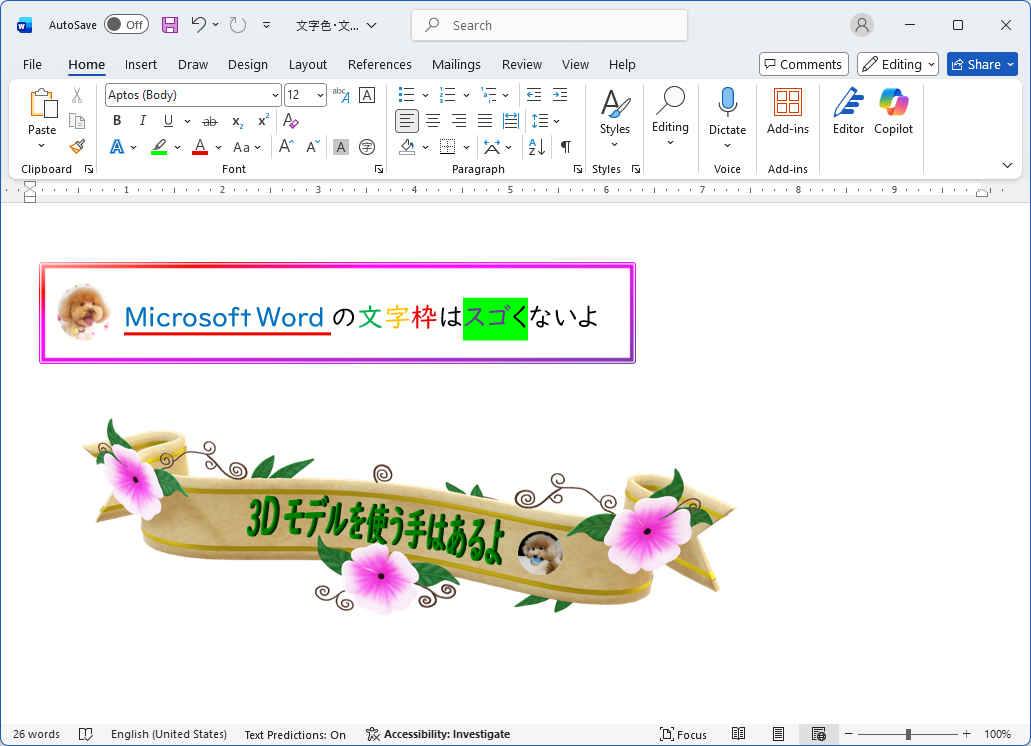
Word is easier to select the font color. The genuine WordPress cannot make an underline (but it depends on the theme). Both are possible to colorize the background of the letters. But WordPress cannot angle the letters, or align the letters in a circle like SVG text. It needs a plugin.
Let me tell you what WordPress can do.
WordPress — Font Color
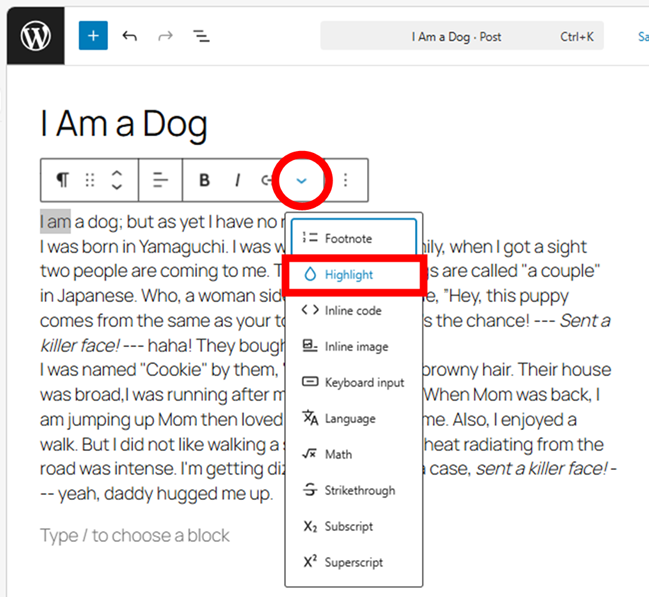
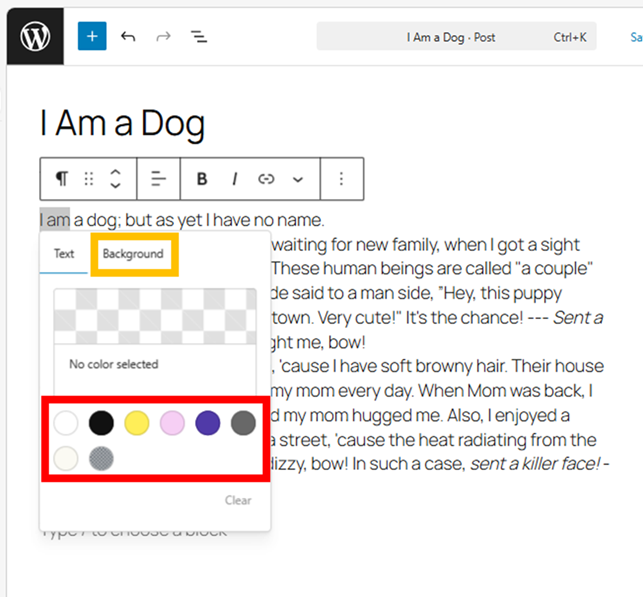
Selecting the letters, you can change the font color by selecting “Highlight” in the top toolbar. Selecting “Background ” can change the background color. Clicking the outside of pop-up window is to confirm the change.
The color selection will be increased on the non-genuine WordPress theme. Plugins also can increase it. And you can set it up by yourself.
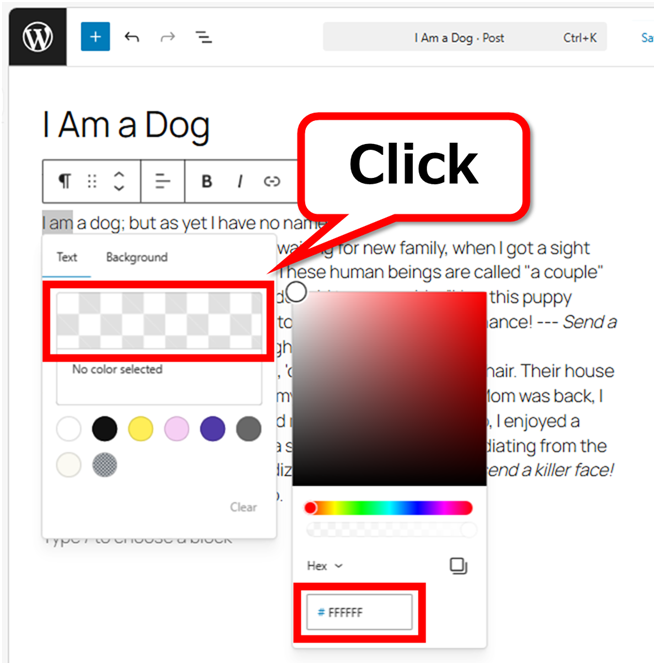
You can change it with the color picker handle (〇). The selected color is not saved. To get the color’s unity, it’s better to enter the number by the Hex method. The number is easy to find using the color picker.

It can use to press  +
+ +
+ .
.
Clicking the point makes the Hex number copied.
You can also change it here.
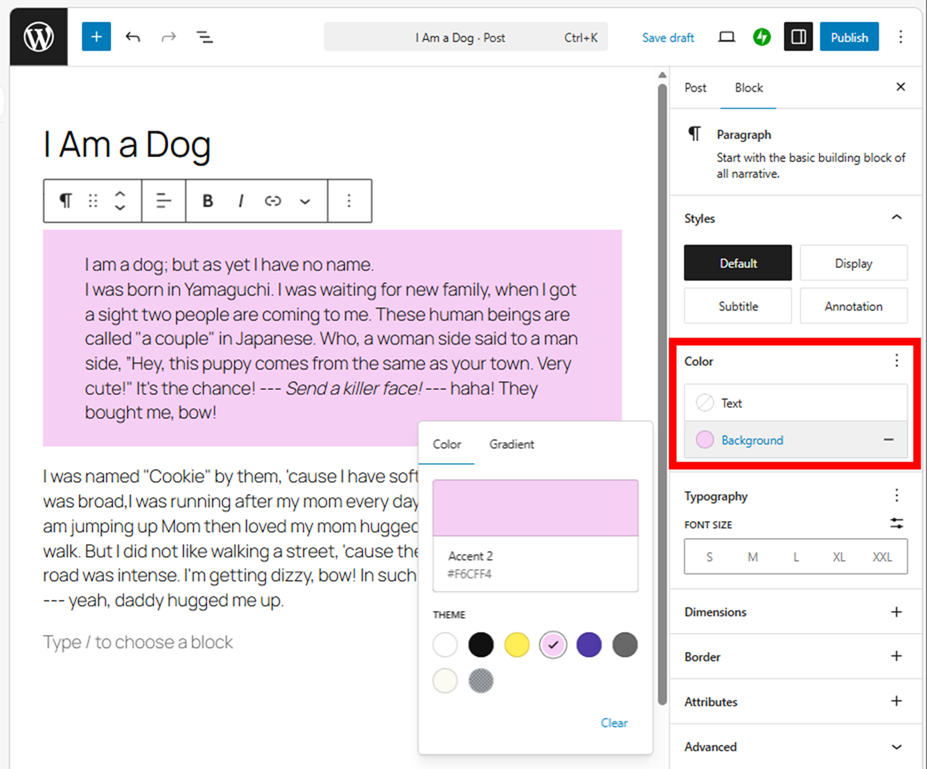
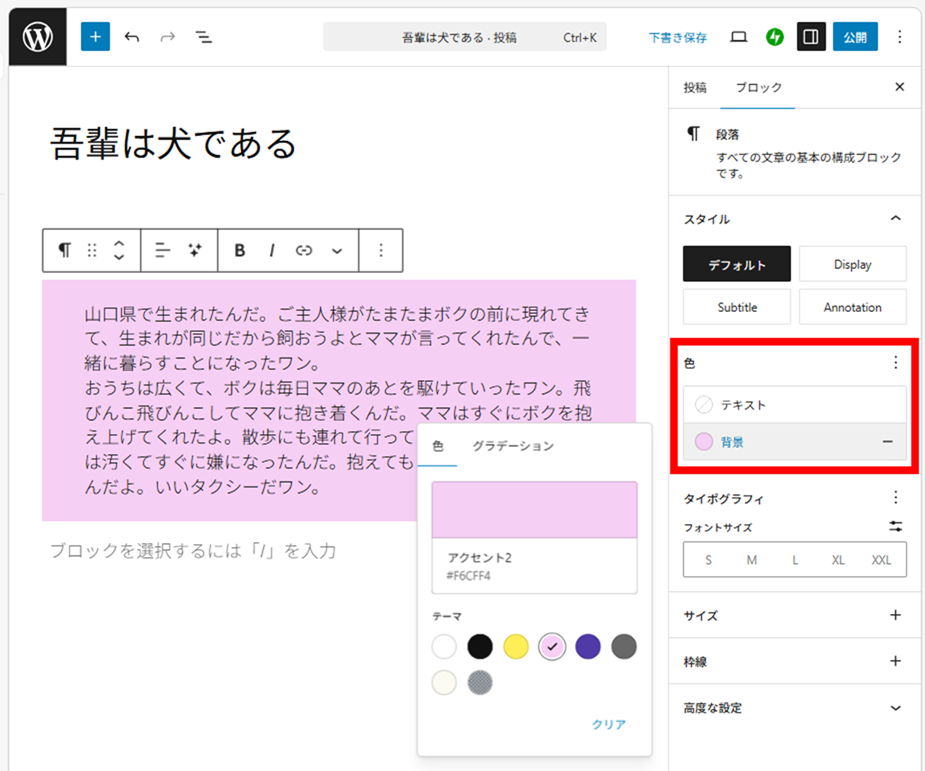
It is a whole block change.
WordPress — Character Box
The character box of the genuine WordPress is not good.
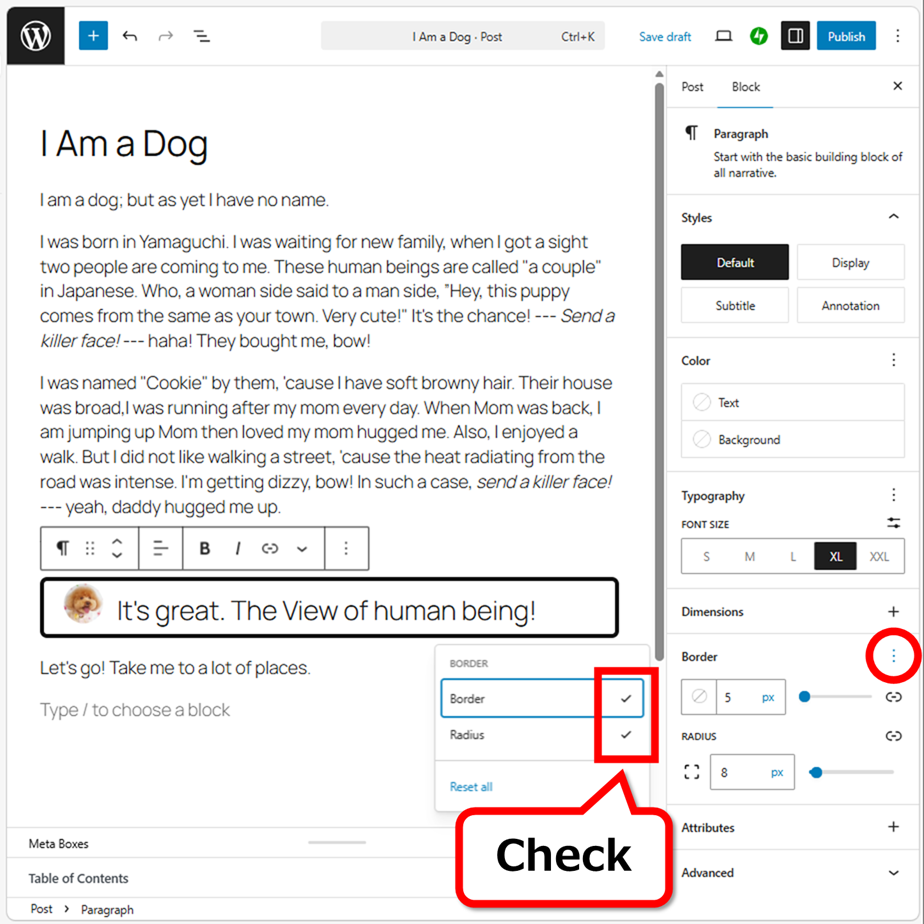
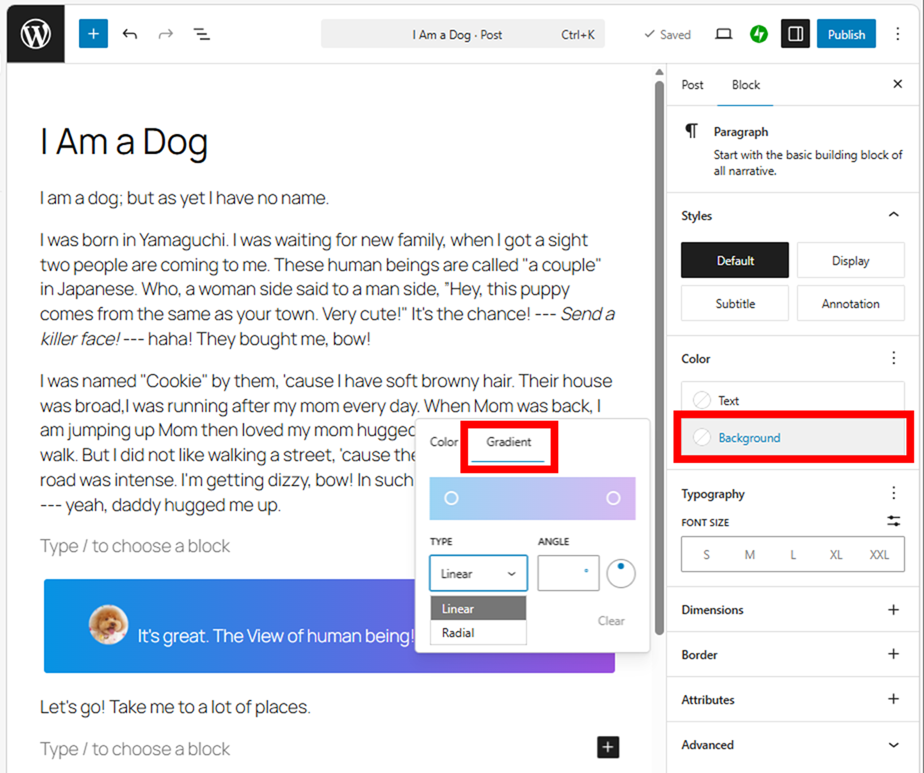
You can change the appearance using “Color”.
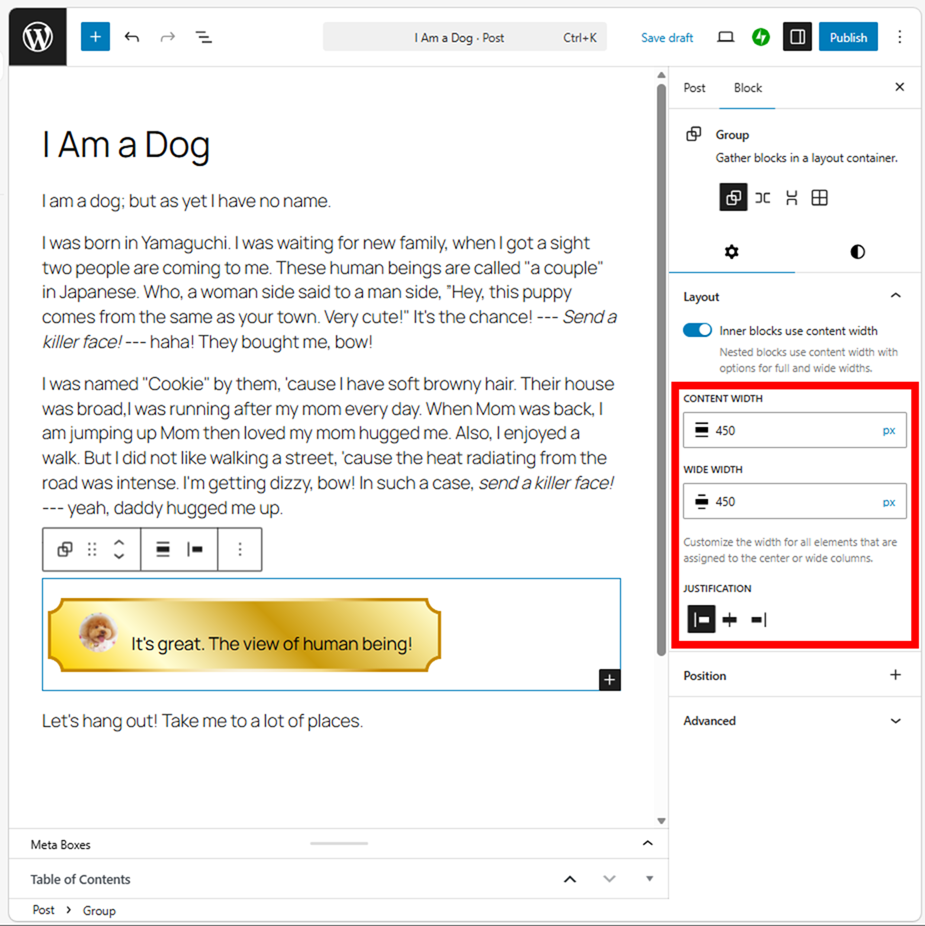
If you feel the character box is a little wider, create “Group” then then change the width.
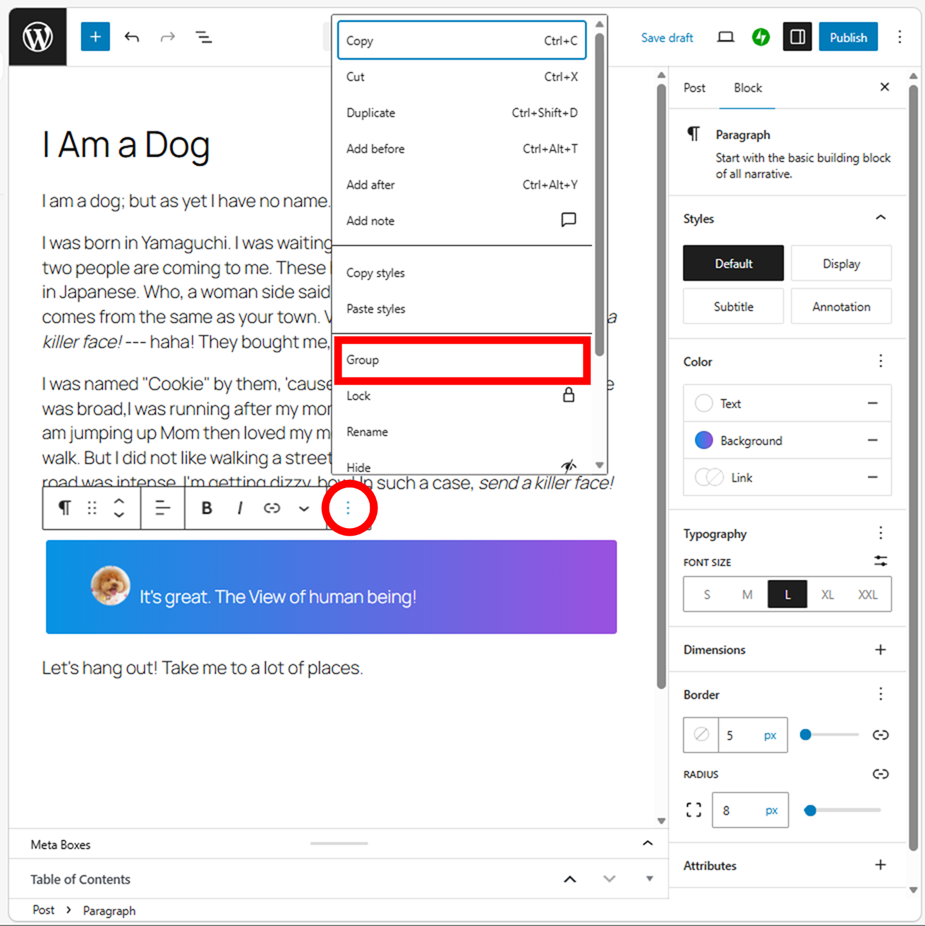
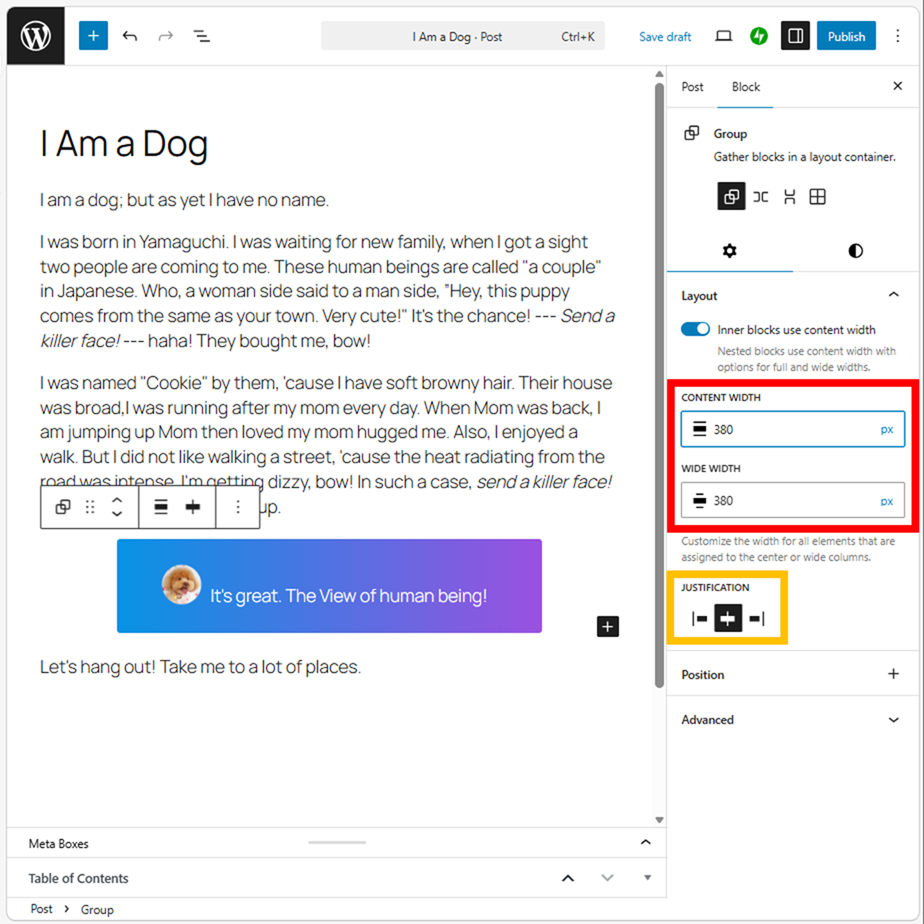
JUSTIFICATION can change the position.
However, non-genuine WordPress theme prepares a lot of useful character boxes generally, so it’s better to use them for the information dialog or others. At this point, WordPress has the better character boxes than Word apps.
sample1
sample2
sample3
sample4
Create a Unique Character Box
The way of creating a custom-made box is the same as the Word apps. Paste an image then put the text on it.
In first, select “Cover” from the left sidebar.

Select an image to adjust the height of the image.
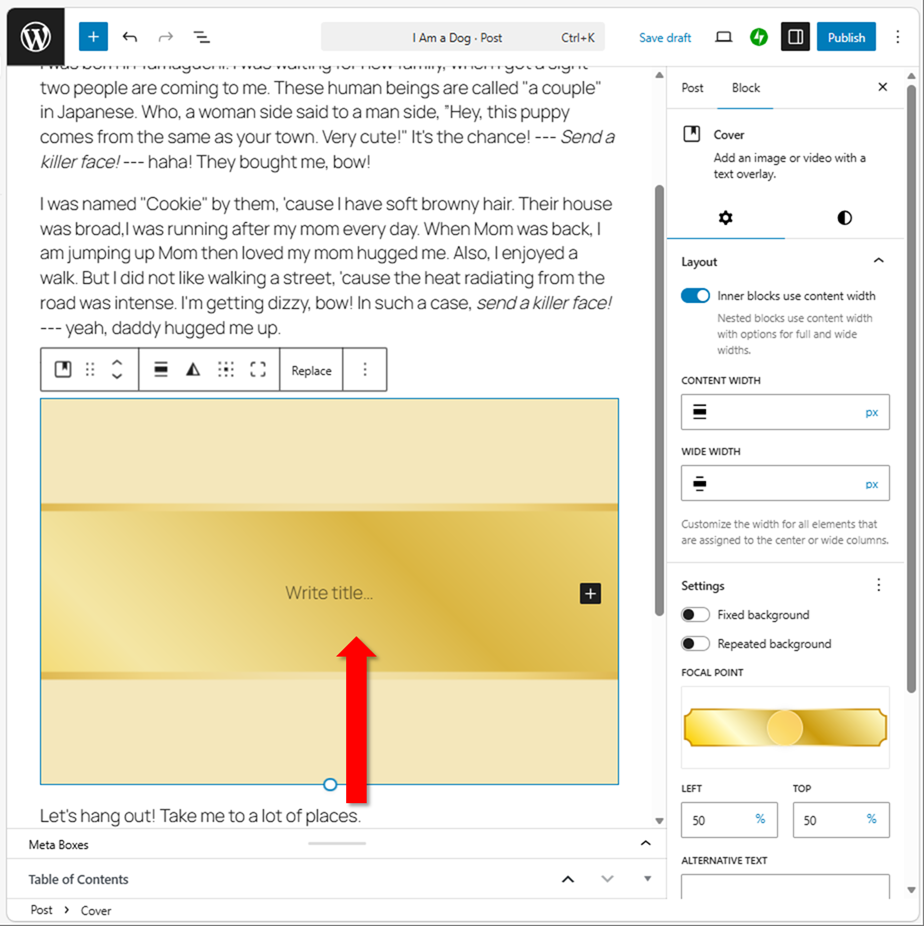
Reduce the height until the entire image is displayed.
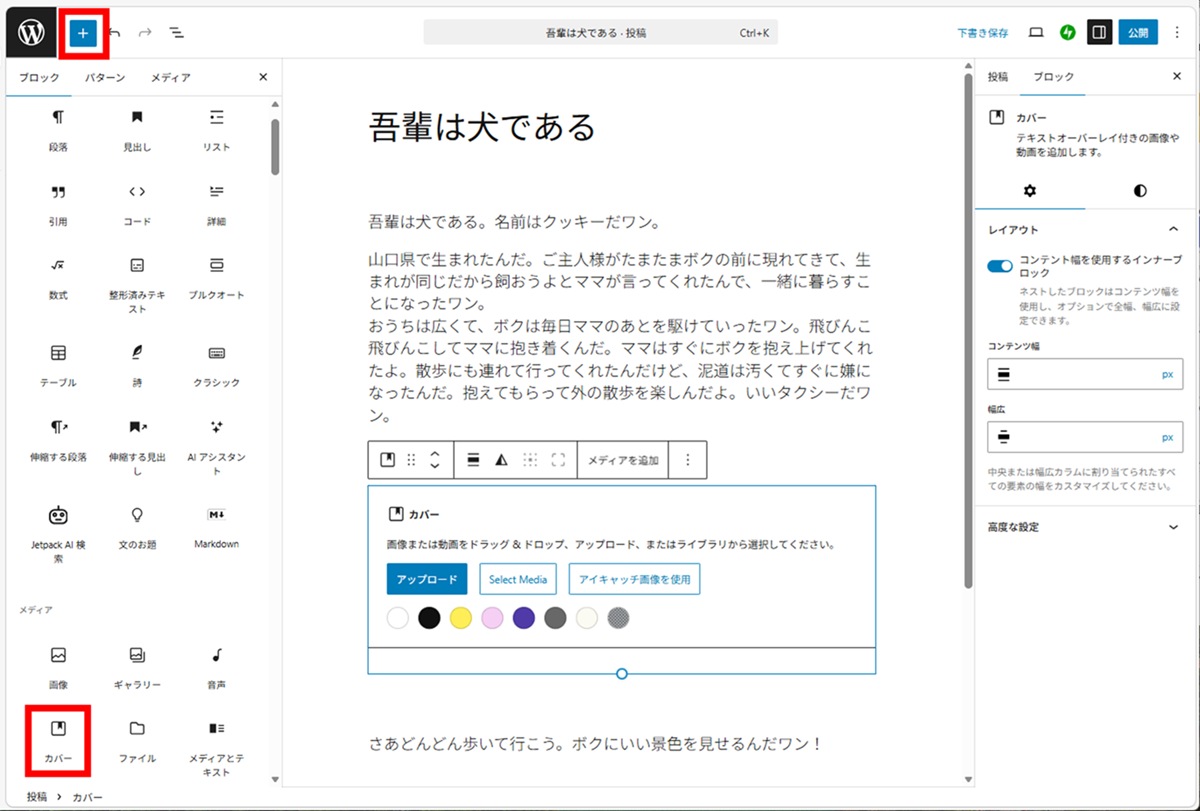
The image is darkened, so click  (Color Settings). Set the opacity to 0%.
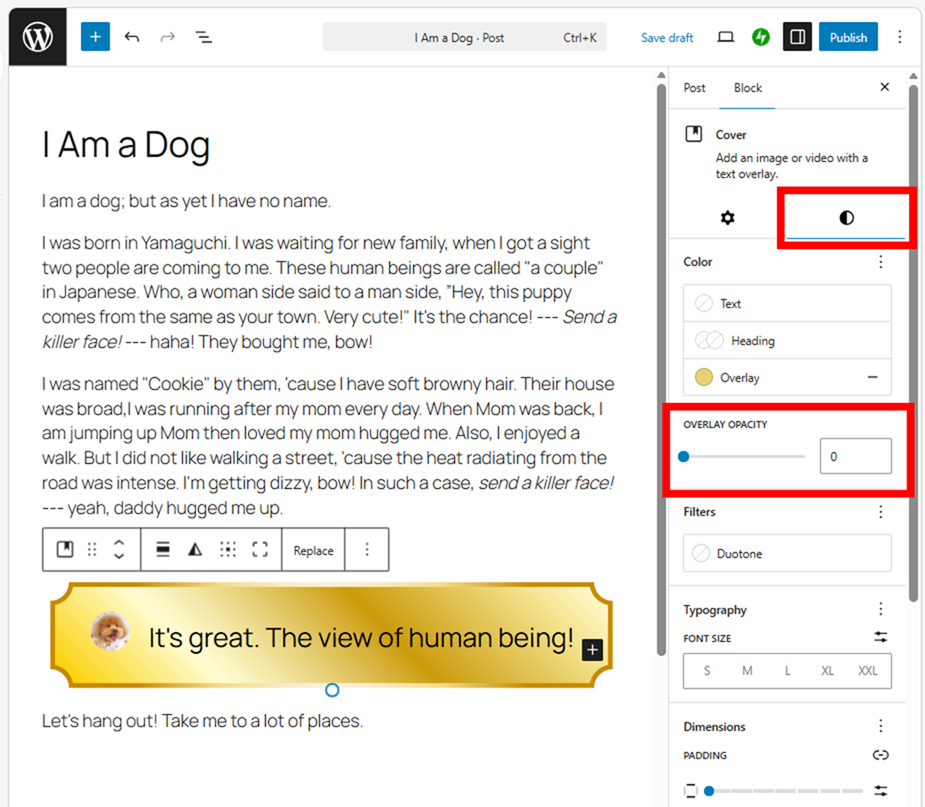
Then write down the letters.
If you feel the character box is too large, create “Group”.
Thank you for reading.
If you feel this article “Like!”, click the ads below ⇩⇩
Your click makes my affiliate income. It motivates me (^^;.
If you give a tip ——
Leave a comment(コメントを残す)