

Extract (Excerpt)
Category & Tag
Back to Draft
Comment on/off
Return & Space
Block Template (Pattern)
Font Color & Frame
Fix a Block to the Top
Create a Button
Internal Page Jump
Display an Image over the Image
Use a Video as like GIF
Add a Menu Bar
Set a page/post as Home

By default, Post can write a comment, Page cannot write a comment. The comment section in a post can be turned on/off any time.
WordPress — Revert to Draft
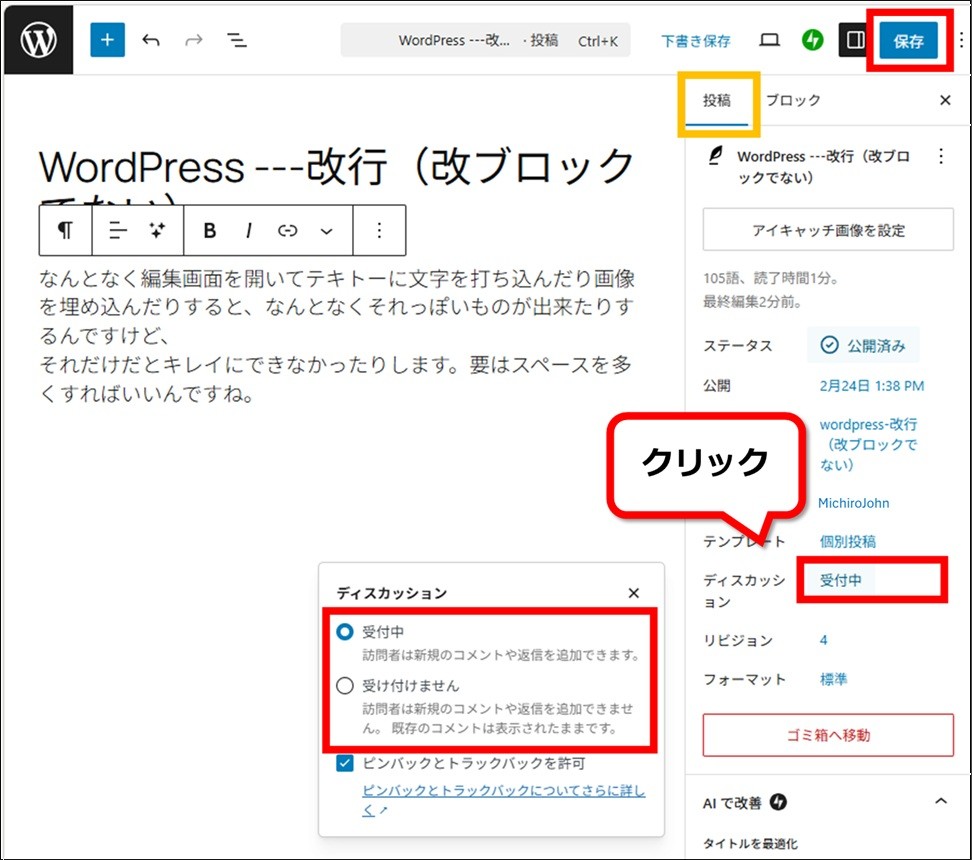
Change it from the “Posts” tab in the right sidebar.
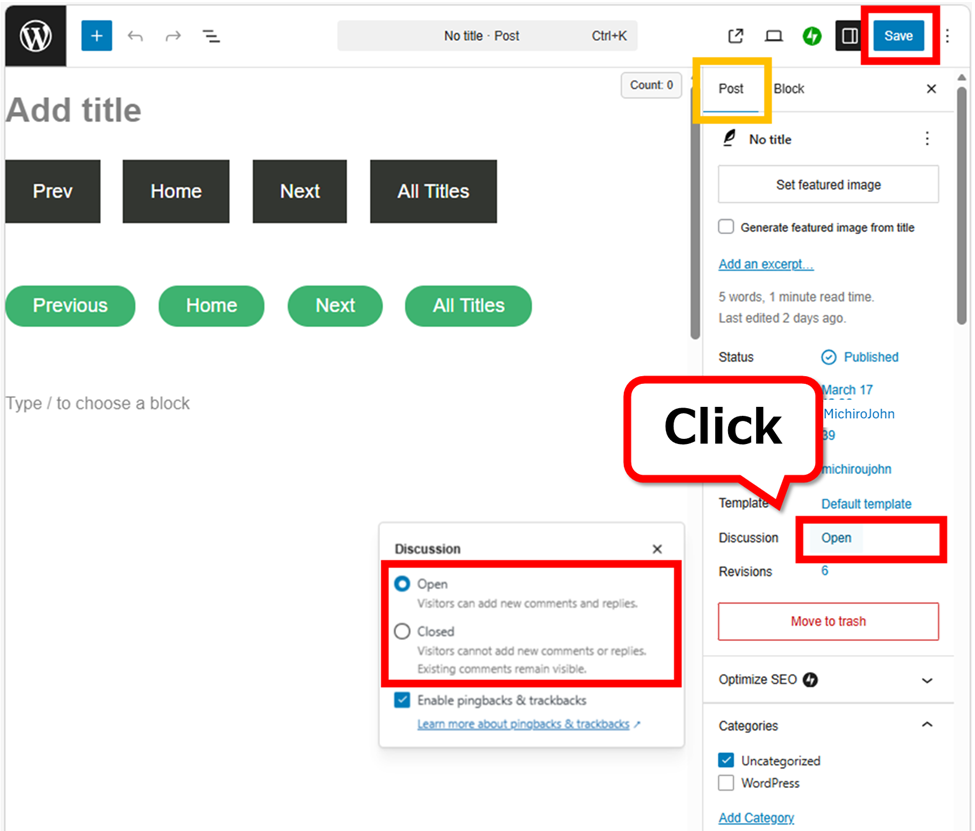
If the post is already published, don’t forget to press “Save” button finally.
This will be an individual setting for each post.
Batch change of comment setting
You can turn on/off all comments from Settings.
However, it only can change the posts after setting. The post already published cannot be changed. It is a change of default value.
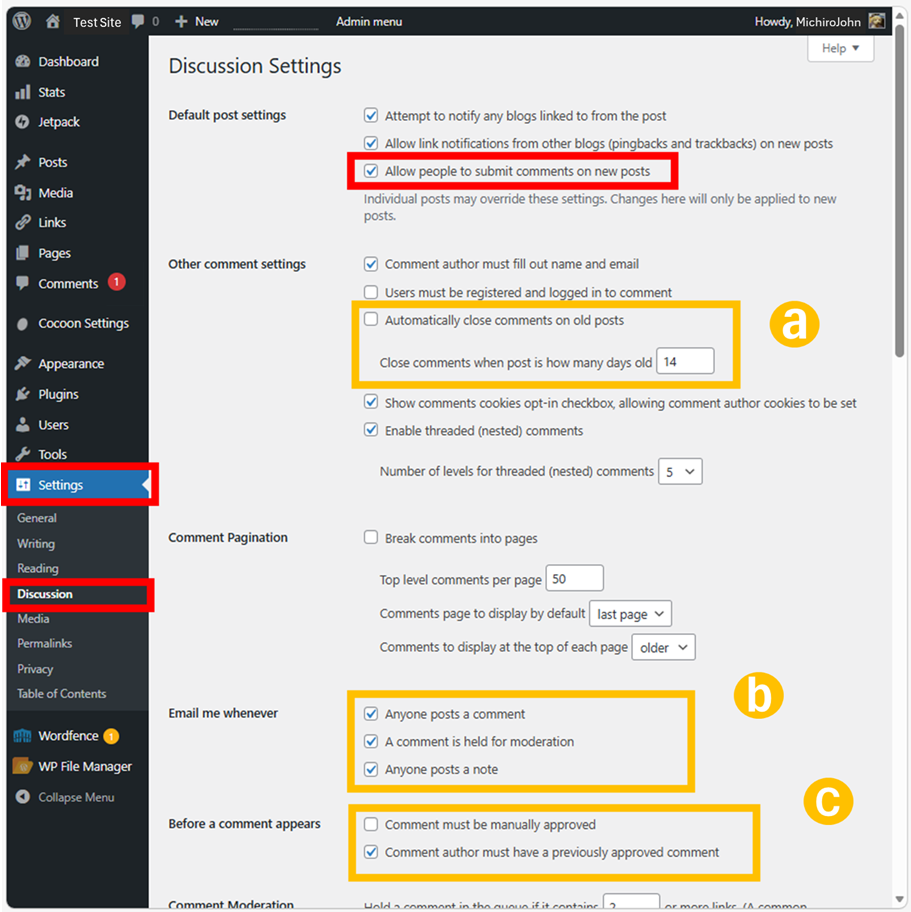
You can reduce the days your comments are visible ( ).
).
By the comment spams or other, the comments are too much, it’s better to stop the email notifications ( ). “Anyone can post notes” means to allow the ability to add feedback on a block, it is a permission of this email notification. It’s a function for the cooperated editors.
By default, all comments are under “pending”. So you don’t have to worry about the strange comments so much. If you’re worried, check “Require manual approval of comments” ( ).
).
Vistors can write a URL link. If the comment has a link to another site, don’t click on this link. There is a possibility you might give your IP address and your internet provider when you clicked it. This won’t meet a personal information leak immediately, but it’s just better not to do it. If you wanna click it, access it through VPN (virtual private network).
Don’t forget to press “Save” button finally.
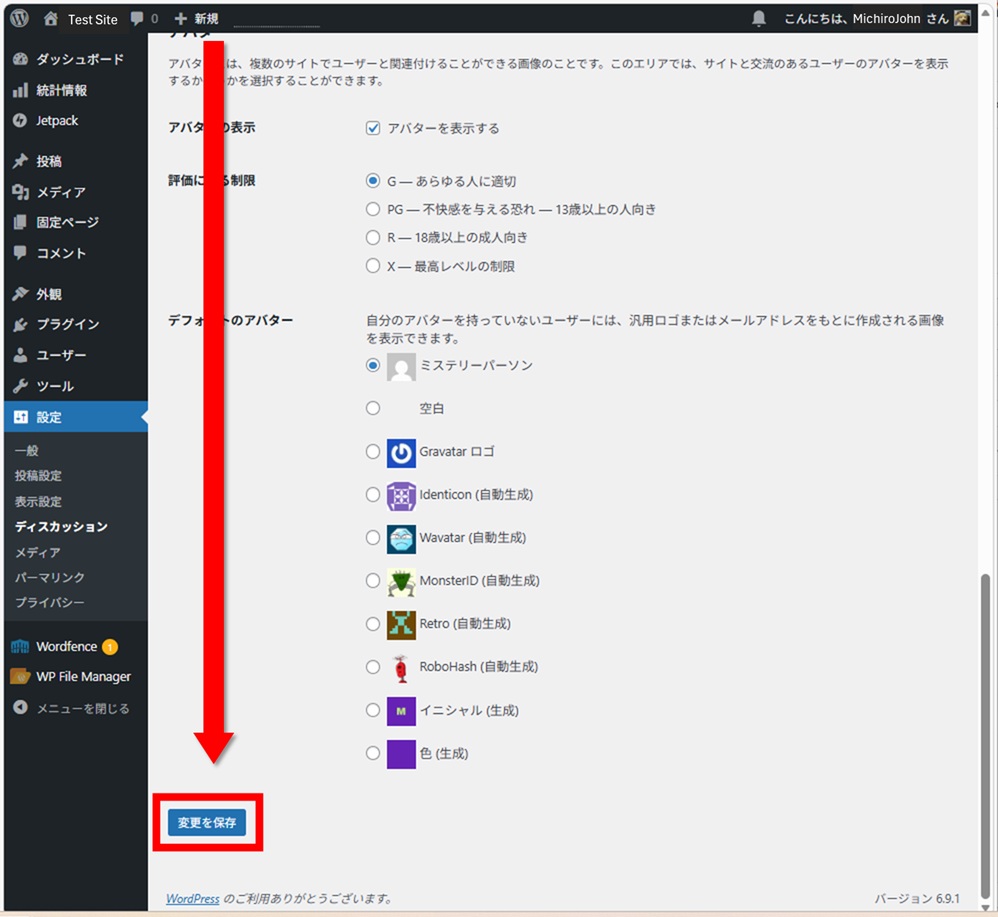
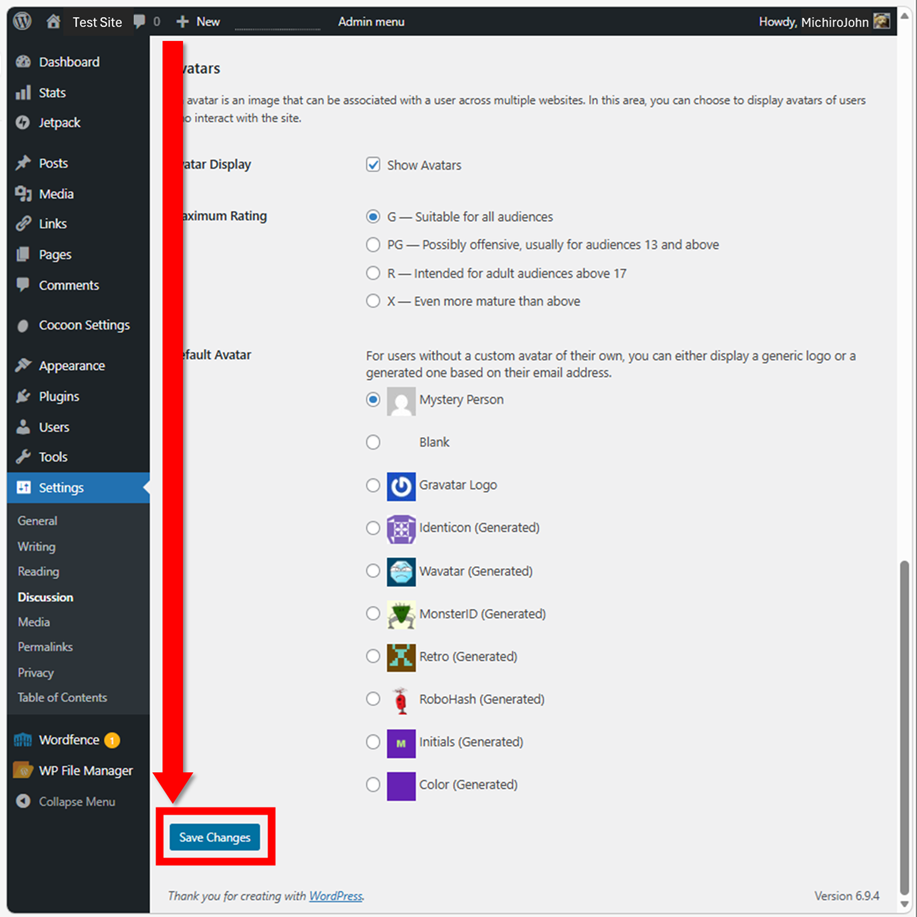
There is a bit deeper (^_^;.
Thank you for reading.
If you feel this article “Like!”, click the ads below ⇩⇩
Your click makes my affiliate income. It motivates me (^^;.
If you give a tip ——
Leave a comment(コメントを残す)